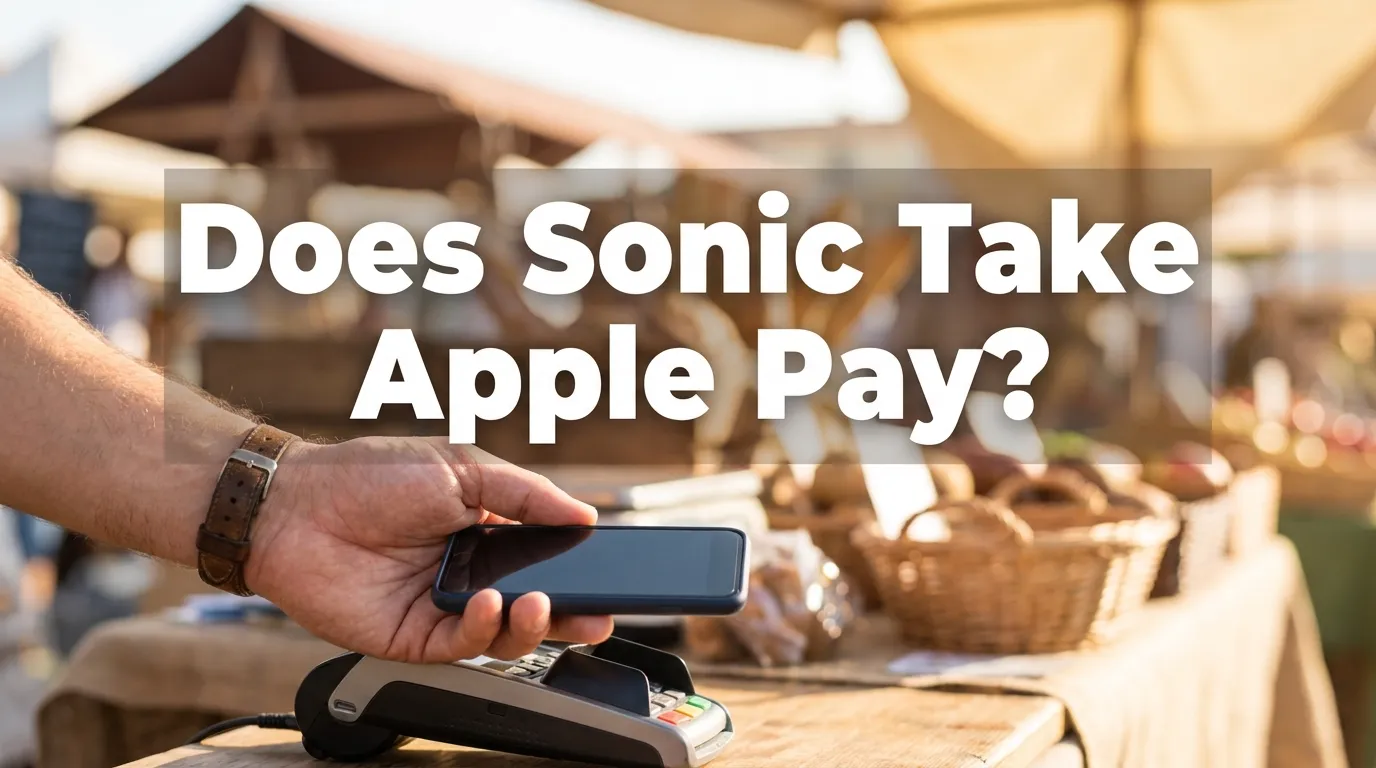
The short answer
Apple Pay works every time you pay inside the Sonic app, because that checkout screen is the same software everywhere. At the physical stall or drive-thru it comes down to the card reader your local drive-in owns, since Sonic locations are independently franchised and buy their own equipment rather than sharing one company-wide terminal.
Apple Pay Inside the Sonic App
Order ahead in the app, whether it is for a stall pickup, a drive-thru pickup or delivery, and Apple Pay sits on the payment screen next to a debit or credit card as a normal option. That is true across every store, because the app checkout is Sonic's own software running on your phone. It has nothing to do with which card reader is bolted to the speaker post at your local drive-in, which is the entire reason the app is the one place this question has a flat yes.
The same is true on Android with Google Pay: it is a listed checkout option in the app, not something that depends on the store you are ordering from.
At the Stall and Drive-Thru: Why It Depends
This is where the honest answer stops being a flat yes. Sonic drive-ins are independently owned and operated, the same reason a Cherry Limeade costs a little more at one store than another. That ownership extends to the payment terminal a carhop brings out to your car or hands you at the drive-thru window: it belongs to that franchise, runs whatever point of sale system that operator chose, and gets upgraded on that operator's own schedule rather than a national one.
Contactless payment, the tap that makes Apple Pay work without inserting a card, needs a reader built for it. Most terminals installed in the last several years support it, which makes it common. It is not universal, because a store running older hardware simply cannot tap even if every other Sonic down the highway can. There is no published count of how many Sonic locations have upgraded, and printing one without real data behind it would be exactly the kind of number this site refuses to invent.
One Sonic, then the next, can answer differently
A drive-in that supports Apple Pay at the window does not tell you anything about the one in the next town. Sonic's own store-level data treats hours, prices and equipment as separate facts per location for exactly this reason, and payment hardware is no different.
How to Know Before You Order
Three ways to find out, in order of how little effort each takes.
Look at the reader
A contactless symbol, four curved lines like a sideways WiFi icon, means the terminal handed to you or visible at the window can take a tap.
Just ask
A carhop or a drive-thru window will answer this faster than any search result. It costs one sentence before you order.
Pay in the app first
Order ahead and check out with Apple Pay there, and the question of what the physical reader supports never comes up at all.
If it matters for a specific trip, such as planning to pay entirely by phone, calling ahead is the only way to get a store-specific answer rather than a national guess. The store finder has the phone number for every open drive-in.
Google Pay, Samsung Pay and Tap to Pay Generally
None of this is an Apple-specific rule, even though Apple Pay is what most people search for by name. Apple Pay, Google Pay and Samsung Pay all use the same near field communication standard to talk to a card reader, so a Sonic terminal that taps for one taps for all three. There is no separate approval Sonic gives per wallet at the hardware level, it is one contactless capability or none.
Inside the app the same logic holds in reverse: whichever digital wallets Apple or Google support on your phone's operating system are the ones that show up at checkout, again regardless of which store you are ordering from.
Cash, Debit, Credit Cards and PayPal
Cash and standard debit or credit cards are the reliable fallback everywhere, in a way contactless is not. Every stall and every drive-thru takes both, chip or swipe, no reader upgrade required, which is worth remembering if a tap does not go through.
PayPal is the one payment method that is not part of this picture. It has not been one of the Sonic app's listed checkout options, and it is not something a physical card reader processes either. If PayPal is specifically what you were hoping to use, plan on a card, a Sonic gift card, or Apple Pay and Google Pay where the store or app supports them instead.
When the App Won't Let You Pay
A checkout that silently fails is almost always one of three ordinary things rather than anything wrong with Apple Pay itself: the app is out of date, the card or wallet saved to the account has expired or was declined by the bank behind it, or the saved payment method has gone stale and needs removing and re-adding.
Updating the app and re-adding the payment method clears most of it. If checkout still will not go through, ordering the normal way and paying at the window sidesteps the app entirely, and a bad card reader day at the stall has nothing to do with a bad app day on your phone.
Find your Sonic
Phone numbers for every open drive-in, to ask before you go.
Opening and closing times
Worth checking alongside payment if you are timing a specific visit.
Sonic deals that actually run
Which offers are real, separate from what coupon sites claim.
Questions People Ask About Paying at Sonic
Does Sonic take Apple Pay?
Inside the Sonic app, yes, every time: Apple Pay sits alongside a debit or credit card as a normal checkout option when you order ahead. At the physical stall or drive-thru window it depends on the card reader your local drive-in has installed, since Sonic locations are independently owned and run their own equipment.
Does Sonic take Apple Pay in the drive-thru?
Only if that location's card reader supports contactless payment, which is common but not guaranteed. The app is the one part of paying with Apple Pay that is the same at every Sonic, because it is Sonic's own software rather than a franchise's hardware.
Does Sonic have tap to pay?
At many drive-ins, yes, on card readers built in the last several years. It is a store by store fact rather than a company wide one, so the reliable way to know is to look at the reader when it is handed to you or ask before you order.
Does Sonic take Google Pay?
The same rule as Apple Pay applies. In the app, Google Pay is a normal checkout option on Android. At the stall or drive-thru, it rides on the same contactless hardware Apple Pay uses, so a reader that taps for one taps for the other.
Can you pay with cash at Sonic?
Yes, at the stall and the drive-thru. Cash is not a checkout option inside the app itself, since there is nothing to hand over on a screen, but it works at every physical order point the same way it does at any drive-in.
Does Sonic take PayPal?
PayPal has not been one of the Sonic app's listed checkout options. A debit or credit card, a Sonic gift card, or Apple Pay and Google Pay where the app supports them are the reliable choices instead.
How do you pay at Sonic?
Three ways in practice: in the app when you order ahead, with a card or contactless wallet at the stall or drive-thru if the reader supports it, or with cash at either. Which of those is fastest depends on your local drive-in's equipment, not on Sonic nationally.
Why won't the Sonic app let me pay?
Usually one of three things: the app needs an update, the card or wallet on file has expired or was declined by the bank, or the saved payment method needs to be removed and re-added. If none of that clears it, paying at the window sidesteps the app entirely and is not affected by the same glitch.
Payment hardware is set by each independently owned Sonic drive-in, so store-by-store equipment is not something a menu price database tracks and nothing here claims a number it cannot back. An independent guide, not affiliated with Sonic Drive-In.
Join the conversation
Does This Match Your Sonic?
Deals and hours vary by location. If your local Sonic runs this differently, or you have tried it recently, tell other readers what you found.
Reader Comments (0)
No published comments yet
Be the first reader to share a useful Sonic tip.
Comment guidelines